> For the complete documentation index, see [llms.txt](https://help.a1.art/llms.txt). Markdown versions of documentation pages are available by appending `.md` to page URLs; this page is available as [Markdown](https://help.a1.art/app-build/app-building-skills/style-transfer-app-tips.md).
# Style Transfer App Tips
### **Experiment with Style Transformations**:
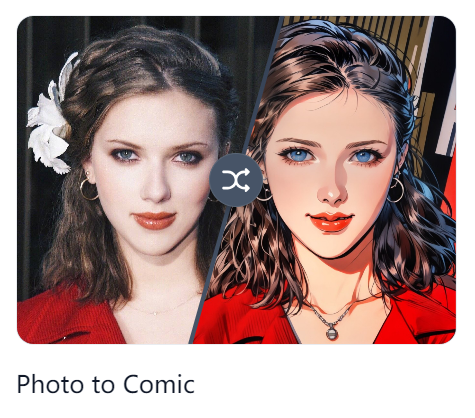
Try converting between realistic and cartoon styles, or any two styles with a significant difference. Both directions can yield interesting results.
### **Use "Stroke" for Detail Preservation**:
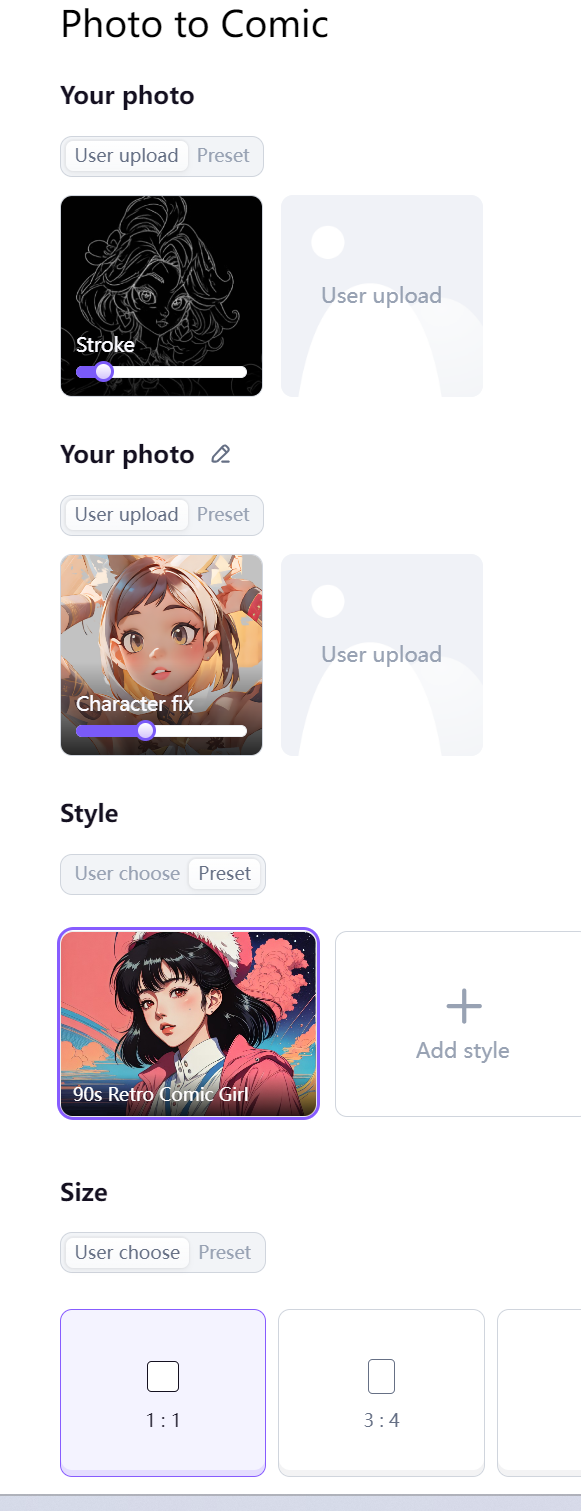
Utilize the "Stroke" feature to preserve the outline details of your placeholder image (uploaded by the user).
### **Refine Character Appearance with "Character Fix"**:
Employ the "Character Fix" feature to make the final output resemble the character in the placeholder image more closely (uploaded by the user).